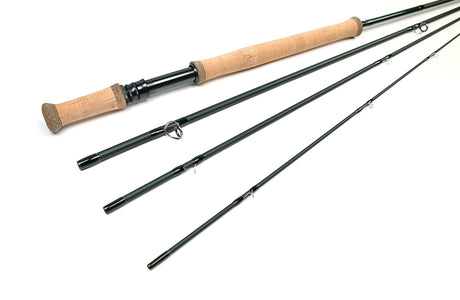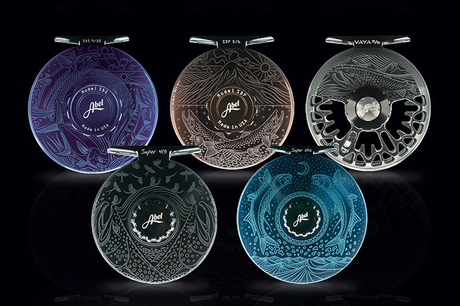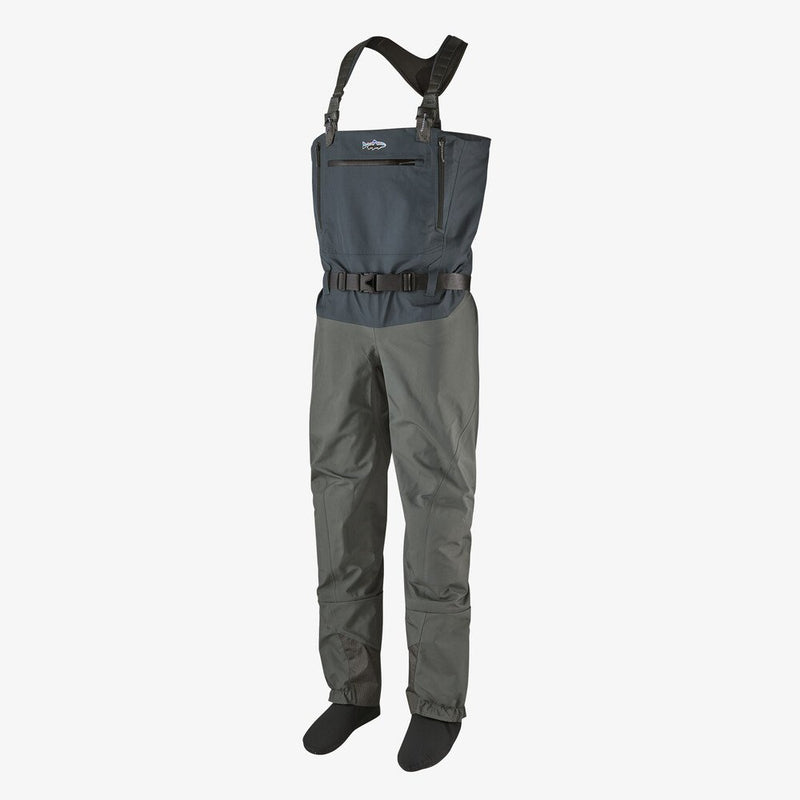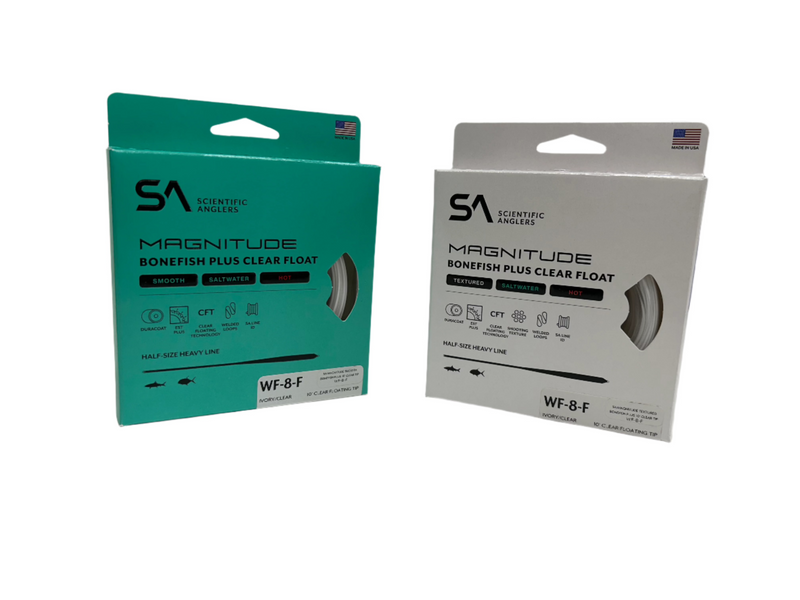

Here you'll find many of the great products that we sell in our store here in
We will continue adding more products to our on-line catalog each week, as well as making our on-line catalog site easier for you to use and navigate. In addition we have taken several steps to insure that our site is 100% secure in terms of your credit card transactions.
If you don't see exactly what you need, be sure to give us a call at
Quick service has always been our specialty! We'll normally get your order shipped out the same day. Once you place your order on-line, we'll check over your order and if we are out of stock of any of the items you have ordered, we'll e-mail you immediately to tell you how long it may take for us to get these items to you. If you place an order before
For international orders, we normally use the US Postal Service Global Priority, which normally gets the goods to our European customers within 5-8 business days. Since different countries have different shipping rates, we'll be happy to e-mail you the exact shipping charges so that you can confirm these before we process your order. We will do our best to ensure that your package will go through customs without a problem.
Remember,
We thank you very much for visiting our site and we appreciate your business!
If you see this message, this website is not displaying correctly.
If you are using Windows XP Service Pack 2 and are looking at this website on a CD or on your own computer, please click on the IE alert bar at the top of this page and allow the shopping cart script on this page to run. You will not see this alert if you visit this shop on the Internet; it is only displayed by Internet Explorer, if the shop is completely on your own computer.
If you do NOT use Windows XP Service Pack 2, you must enable JavaScript in your browser. If you are using Internet Explorer, please do the following
From the browser's Tools menu select "Internet Options..."
Select the Security tab.
Pick the "Internet zone" icon.
Push the "Custom Level..." button.
Scroll down the Settings list to the Scripting item. You may need to double click on icons to expand lists.
Under the "Active scripting" item, choose the Enable radio button.
Push OK and Yes to confirm and close the Security Settings dialog box,then OK again to close the Internet Options dialog box.
Refresh the current page by clicking on the Browser Refresh button
This page contains the source code to power theshopping cart software solutions of
This website is listed at santu.com
Diese Website ist bei santu.com gelistet.
Powered by ShopFactory